Angiography / Cardiovascular
Coronary angiography
Review coronary cine imaging frame by frame with labeled right coronary branches and a linked projection model.
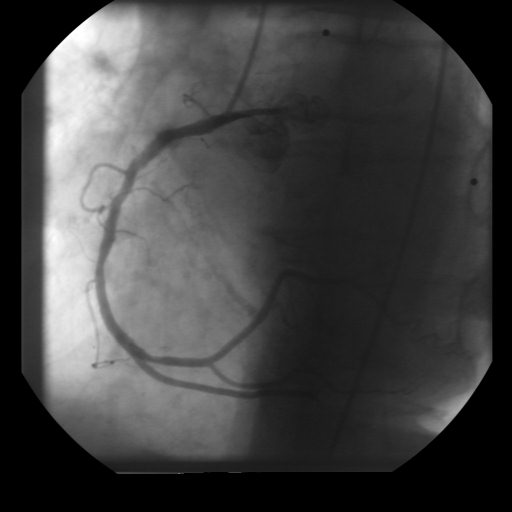 SOURCE ANGIOGRAPHYDICOM cine + projection model
Source: Rubo Medical DEMO 0002 coronary angiography. The right coronary model uses manual 2D traces with illustrative vessel widths. Depth is not recovered; branch labels are provisional teaching annotations.
GUIDED EXPLORATION
A route through the lab.
- 01
Play the angiography cine, then pause and step through frames to compare the visible vessel courses.
- 02
Select the right marginal branch. Compare its labeled course in the source frame with the linked model.
- 03
Review the SA nodal, PDA, and PLV branch labels. Use the layer controls to isolate a branch and read its model notes.
- 04
Add a teaching tag or note, save a bookmark, and export your annotations using the viewer’s tools.